
BenQ Golf Simulator Projector Installation
The right projector makes or breaks the simulator experience — BenQ's short-throw models are the ones we install most often, and for good reason.
Designed Golf Simulators specializes in BenQ golf simulator projector installation for home builds across the Greater St. Louis Metro. The projector is the single most underrated component in a simulator — buy the wrong one and the visuals feel muddy, dim, and unconvincing no matter how good your launch monitor is. BenQ makes the short-throw, high-brightness projectors that solve that problem consistently.
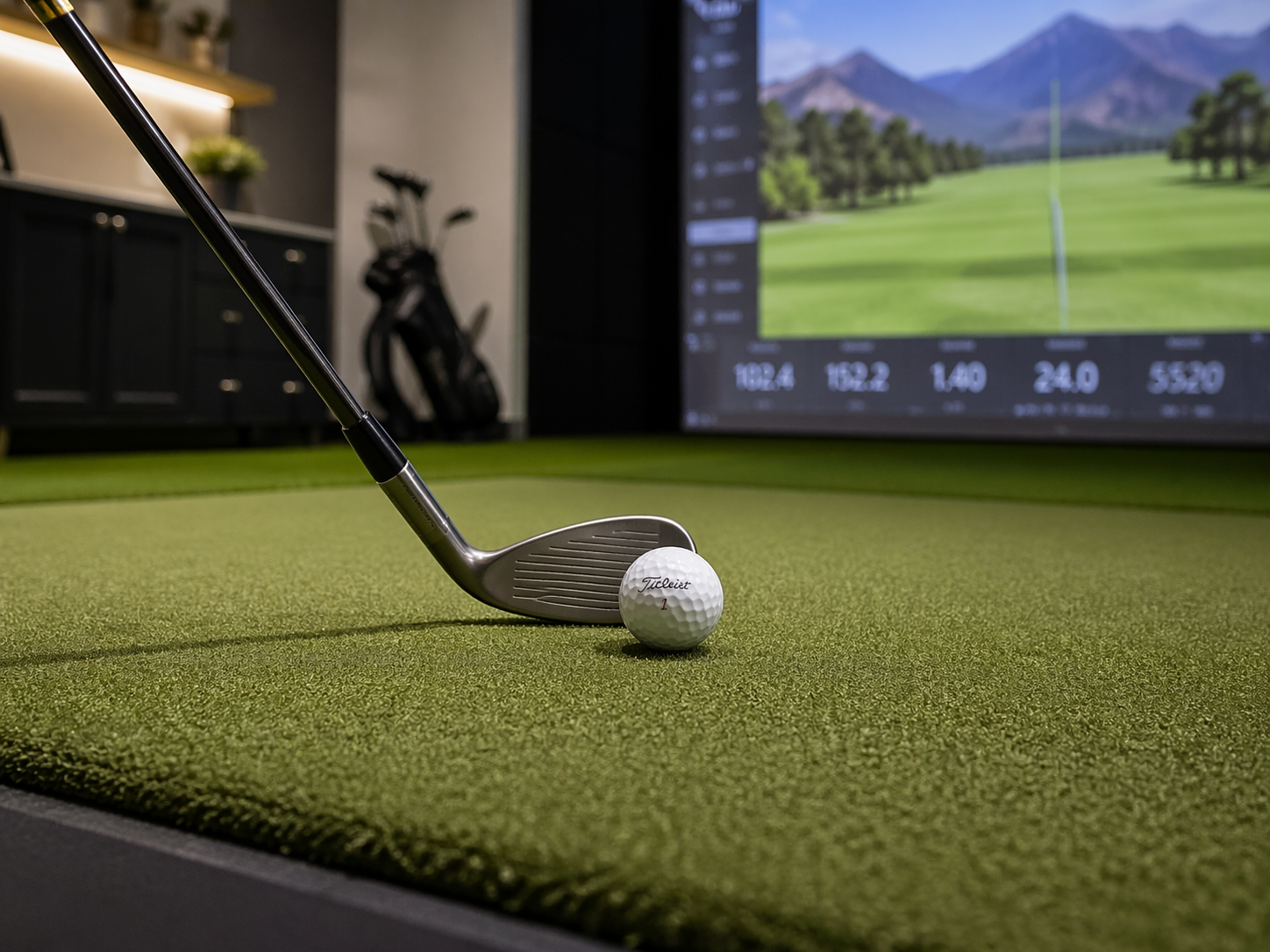
As a lifetime golfer, the single most impactful decision I made to improve my game was an in-home golf simulator installation by Designed Golf. As an added bonus, all of our friends love to come over and play world-renowned courses in the comfort of our home.
Why the Projector Is the Component Most Buyers Underestimate
First-time simulator buyers spend weeks researching launch monitors and ten minutes on projectors — and then wonder why the installed experience feels underwhelming. The launch monitor measures your swing. The projector is what you actually look at for hours at a time. A dim or washed-out image flattens the immersion, and short throw distances in most home simulator rooms demand a projector designed for exactly that environment.
Enter BenQ. Their simulator-friendly models are short-throw (meaning they can sit close to the screen without casting on the golfer), bright enough to hold up in well-lit rooms, and sharp enough to make the course visuals feel real. When we install a BenQ golf simulator projector, we see the same reaction every time — the room stops being a practice space and starts feeling like a transport to Pebble Beach.
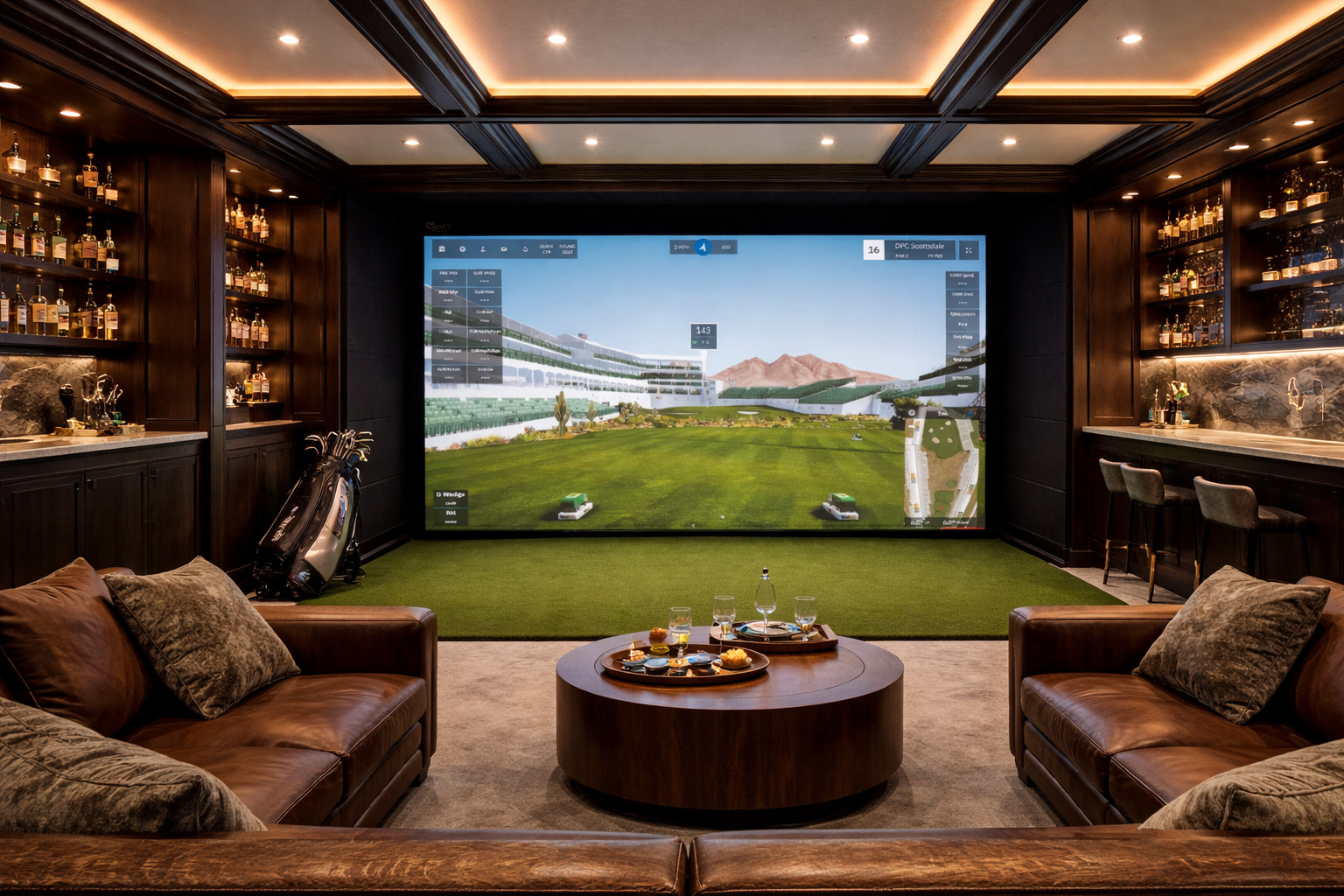
The BenQ Models We Install for Home Golf Simulators
BenQ LK936ST — our top recommendation for premium builds. 5,100 lumens, 4K resolution, laser light source (no bulb to replace), and a short-throw 0.81:1 ratio that fits almost any home simulator ceiling. Sharp, bright, and holds up for years. Typical installed cost in the $4,000–$5,500 range.
BenQ LU935ST — solid mid-tier option. 3,500 lumens WUXGA, short-throw, laser light source. Great performance for rooms where the LK936ST would be overkill, and commonly installed in $10,000–$20,000 total-simulator builds.
BenQ X3100i and similar gaming models — sometimes used in more casual setups, but for serious simulator work we usually recommend stepping up to one of the dedicated short-throw models above. The gaming projectors are optimized for different viewing distances and don’t always project well onto impact screens.
Installation Considerations — It's More Than Just Mounting
A BenQ golf simulator projector installation done right includes ceiling mounting at the correct throw distance (we measure every room), cable management for HDMI and power, lens shift adjustment so the image geometry matches the screen without distortion, and brightness calibration tuned to the room’s ambient light. Most DIY installs get the mounting right and the calibration wrong — which is why the image looks dim or slightly off-geometry even with premium hardware.
We also plan cable runs during install — HDMI over longer distances needs active cabling or a balun, and running AC power cleanly to a ceiling mount is an electrical job that’s easier to do correctly the first time. All of this goes into a proper BenQ golf simulator projector install.
Why Brightness (Lumens) Actually Matters
Home simulator rooms are rarely perfectly dark. Basements have some ambient light. Garages have windows or overhead lighting. The rule we use: for a dim-lit dedicated room, 3,000 lumens is fine. For a typical mixed-light basement, 4,000–5,000 lumens. For a garage or bonus room with real ambient light, 5,000+ lumens. Below those thresholds, the image washes out and the experience suffers no matter how good the screen and launch monitor are.
That’s why the LK936ST is our default recommendation for anything premium — at 5,100 lumens, it holds up in nearly any home environment, and the 4K resolution keeps the course details crisp on larger screens.
Why Designed Golf for Your BenQ Build
Six reasons homeowners across the St. Louis metro trust us with their home golf simulator installation.
Custom Design, Every Time
No templates. No shortcuts. Every home golf simulator we build is designed from scratch to fit your exact space, swing, and goals.
Technology That Performs
We guide you through launch monitor, software, and projector selection to build a system that delivers accurate, reliable results long-term.
Turnkey Installation
One team, one timeline. From room assessment to final walkthrough, we handle the whole build — hardware, wiring, flooring, calibration.
Homes & Businesses
From basement home builds to clubhouses, offices, and private lounges across St. Louis — we build for how you’ll actually use it.
White-Glove Experience
Clean installs. Premium materials. Clear communication. We treat your home like it’s ours.
St. Louis Local
Born and based in the Greater St. Louis Metro. Faster site visits, quicker support, and a team that understands local homes.
Ready to plan your benq build?
Free 20-minute design consultation. No pressure. Just honest answers about what’s possible in your space.
Book Your Free ConsultationFrequently Asked Questions
How much does a custom home golf simulator cost?
Quality home simulators typically range from $10,000 on the entry side to $50,000+ for a premium fully-finished build. The biggest factors are launch monitor choice, space size, and finish level. We provide clear options at every tier during your free consultation.
How long does a golf simulator installation take?
Most home installs complete in 1 to 3 days once materials arrive. Hardware lead times (3–6 weeks typical) are usually the larger scheduling factor. We map the full timeline during design so you know what to expect.
Do you offer turnkey installation?
Yes. Designed Golf Simulators handles the entire build — consultation, space assessment, system design, installation, calibration, and walkthrough training. One team, one timeline, no coordinating contractors.
Which launch monitor is best for my space?
It depends on ceiling height, room depth, your goals, and budget. TrackMan needs more depth and suits serious players. Foresight fits tighter rooms with excellent data. TruGolf excels at entertainment. SkyTrak is the value option. We'll recommend honestly during your consultation.
Do you service simulators after installation?
Yes. Being local to the St. Louis metro means faster callbacks for software updates, recalibration, projector adjustments, and upgrade questions. Every install includes walkthrough training so you're confident running the system from day one.
Do I really need a short-throw projector for a home golf simulator?
For almost every home simulator room, yes. Standard-throw projectors need 10+ feet of distance from the screen, which means the golfer's body and swing block the projector image. Short-throw projectors mount 4 to 6 feet from the screen on the ceiling in front of the golfer — perfect for simulator geometry. It's the single most important projector feature for home builds.
Related Home Golf Simulator Topics
Explore other guides on home golf simulator installation — launch monitors, projectors, and room types.
St. Louis Metro Areas We Serve
We design and install custom home golf simulators throughout the Greater St. Louis area. Click your city for local detail:
Serving the Greater St. Louis Metro
Based locally in St. Louis, we design and install across the full metro — West County, South County, and across the river into St. Charles County.
See Also
More home golf simulator resources from Designed Golf as you plan your build.
Ready to start your home golf simulator build?
Schedule a free design consultation and we’ll help you figure out what’s possible for your space, your game, and your budget.