
When people think about what makes a golf simulator exceptional, they tend to focus on the launch monitor. That’s fair — the launch monitor is the heart of the system. But there’s another component that has an enormous impact on how the entire experience feels day to day, and it’s one that often gets underinvested in: the computer driving it.
The difference between a properly built simulator PC and a budget one isn’t just benchmark numbers. It’s the difference between a setup that consistently delivers and one you’re constantly working around.
What the Computer Is Actually Doing
A golf simulator running at true 4K with ray tracing is asking a lot more of the hardware than most people realize. At any given moment, the system is rendering high-resolution course textures, calculating real-time lighting and shadows, modeling reflections and terrain detail, and animating ball flight physics — all simultaneously, all in real time.
On top of that, you’ve got the launch monitor feeding shot data, a physics engine calculating outcomes, and potentially swing cameras running in parallel. Every one of those processes has to stay synchronized. If the computer can’t keep up, you feel it — in stutters, in degraded visuals, in the small moments where the simulation breaks the illusion.
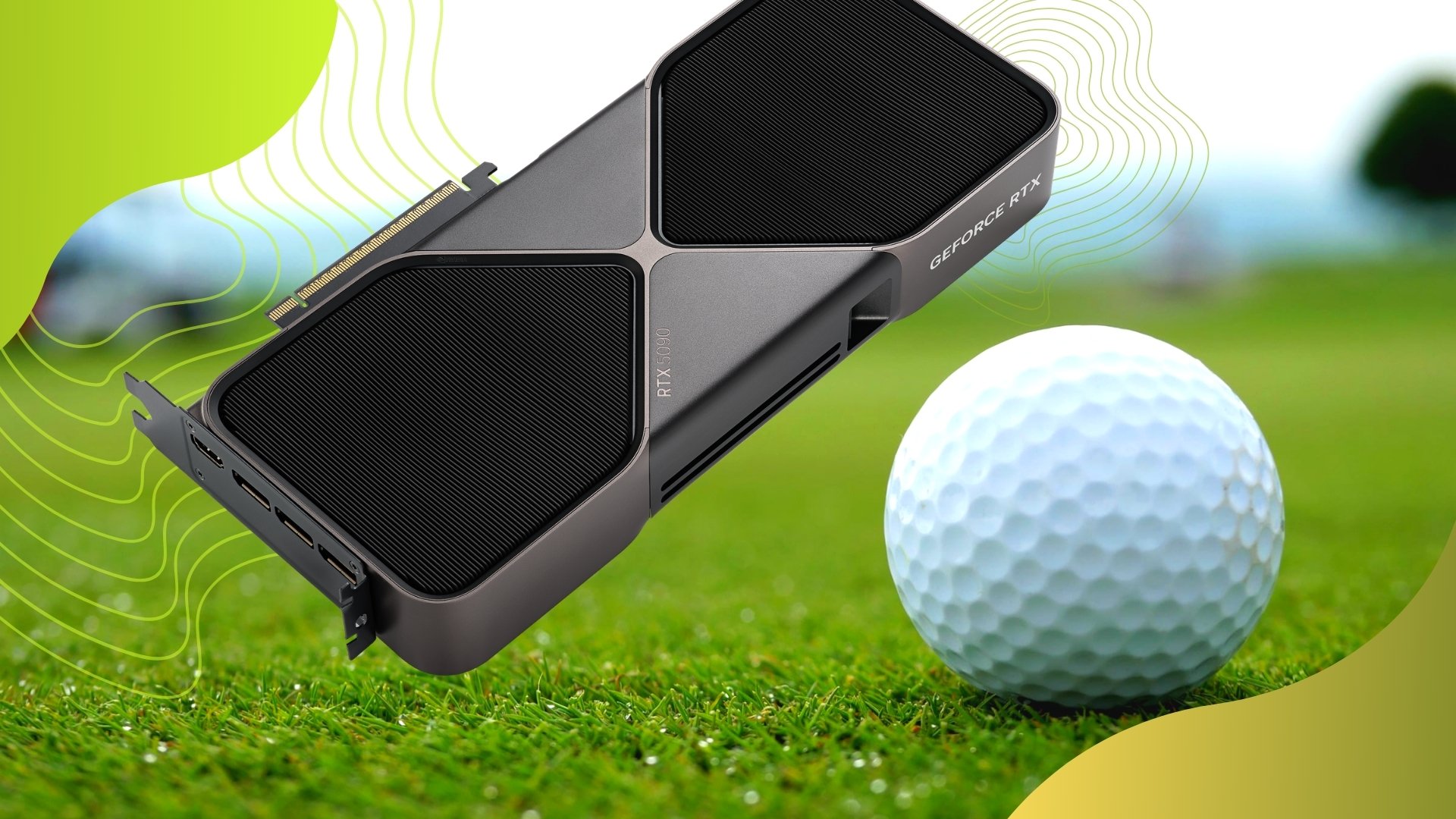
That’s why the GPU matters as much as it does in a simulator build. And it’s why a card like the NVIDIA RTX 5090 — with its 32GB of GDDR7 VRAM — isn’t overkill for this application. It’s the right tool for what the system is trying to do.
What High-End GPU Specs Translate to in Practice
Course Detail and Realism at 4K
TrackMan’s simulation environments are built with high-resolution textures and complex terrain data. Rendering all of that at full 4K resolution requires enough VRAM to hold it in memory without constantly swapping data in and out. The 32GB on the 5090 provides that headroom, keeping everything sharp and consistent — instead of degrading under load in the middle of a round.
Ray-Traced Lighting That Aids Visual Accuracy
Ray tracing in a golf simulator isn’t just an aesthetic upgrade. Proper shadows, lighting gradients, and surface reflections meaningfully improve depth perception — which affects how naturally you read distances, track ball flight, and orient yourself to the virtual environment. GDDR7’s memory bandwidth allows the GPU to handle those calculations without introducing lag or instability, so the lighting feels consistent rather than flickering or loading progressively.
Smooth, Consistent Ball Flight Rendering
This is the one that matters most in a simulator context. You’re not passively watching a screen — you’re reading ball flight as part of how you process shot feedback. Any stutter or inconsistency in how the ball moves on screen, even minor, affects how believable and usable the data feels. A high-end GPU isn’t about chasing frame counts; it’s about holding steady, consistent performance while everything else is running in the background.
Keeping All Data Streams Synchronized
Launch monitor data, ball flight physics, and swing camera video all need to arrive and display in sync. When the GPU is the bottleneck, you get subtle delays between what you felt at impact and what you see on screen — a disconnect that quietly undermines how useful the session actually is. A well-spec’d build eliminates that friction entirely.
Where People Get Tripped Up
The most common mistake is treating the PC as the place to save money in a simulator build. A lower-tier system will technically run the software. But in practice, you end up turning off ray tracing, dialing back resolution, or accepting inconsistent performance — and those compromises add up. Once you’ve used a properly driven 4K setup, those tradeoffs are hard to ignore.
The goal of a high-performance simulator isn’t impressive specs for their own sake. It’s a convincing, reliable, and repeatable environment — one that holds up every session and gives you accurate, trustworthy feedback every time you swing. The computer is what makes that possible at the level you’re building toward.
Building the Right System for Your Simulator
Hardware selection and room design should be part of the same conversation. Designed Golf works through every component of a simulator build — launch monitor, software, screen, enclosure, and the PC behind it all — to make sure everything is matched and configured correctly for your space and goals. If you’re planning a build or considering an upgrade, schedule a free consultation and we’ll walk through what makes sense for your setup.